Backup & Storage
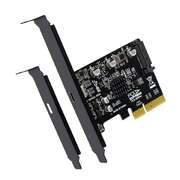
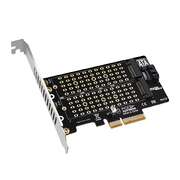
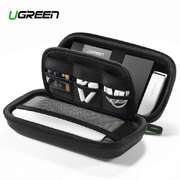
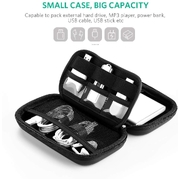
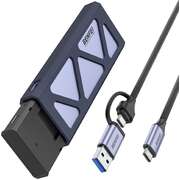
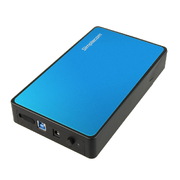
Backup and storage gear for saving files, reusing old drives and archiving to disc. The range covers 2.5 and 3.5 inch SATA drive enclosures, M.2 SSD enclosures, a dual-size docking station and PCIe expansion cards.
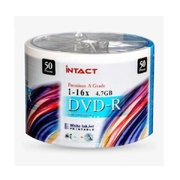
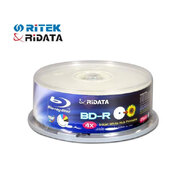
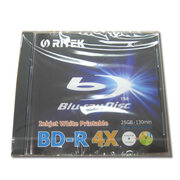
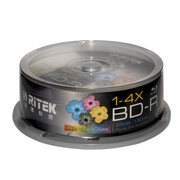
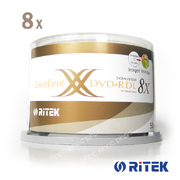
For disc backups, there are CD-R, DVD-R, double-layer DVD+R and 25GB Blu-ray discs, many with printable white tops.
Which drive enclosure fits my drive?
Match the enclosure to the drive's size and connection: 2.5 inch SATA, 3.5 inch SATA or M.2 NVMe/SATA.
Laptop hard drives and most SATA SSDs are 2.5 inch. Desktop hard drives are 3.5 inch, so their cases are larger. Tool-free designs let you swap drives without a screwdriver.
| Product | Good for | Watch for |
|---|---|---|
| 2.5" SATA enclosure | Turning a laptop drive or SSD into portable storage | USB-C or USB-A plug |
| 3.5" SATA enclosure | Desktop hard drives | Needs its own power supply |
| M.2 SSD enclosure | Fast portable storage, up to 10Gbps | NVMe or SATA key type |
| Docking station | Swapping bare 2.5" and 3.5" drives | Drive left uncovered |
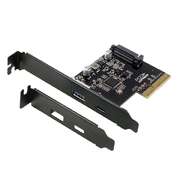
| PCIe expansion card | Adding M.2 slots or USB ports to a desktop | A free PCIe x4 slot |
What is the difference between BD-R and BD-RE discs?
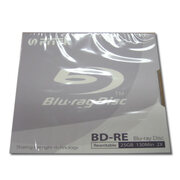
BD-R discs are write-once, while BD-RE discs can be erased and rewritten.
Both hold 25GB here. Write-once discs suit permanent archives; rewritable discs suit backups you replace often.
What do the PCIe expansion cards add?
They add M.2 SSD slots or extra USB-C and USB-A ports to a desktop PC.
Options include 10Gbps USB 3.2 Gen 2 and 20Gbps USB 3.2 Gen 2x2 cards. Check your motherboard has a spare PCIe slot first.
Can I pay it off?
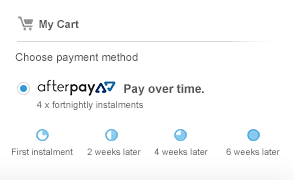
Yes. Pay with Afterpay or Zip, or check out with PayPal. A $44.00 50-pack of printable DVD-R discs is four fortnightly Afterpay payments of $11.00.
Pair it with
- Computer Accessories – cables, hubs and adapters
- Computers & Tablets – monitors, docks and card readers
- Printers & Accessories – toner, labellers and shredders